How it works
You ask. BritOS does the legwork.
Your mail, calendar, messages and files meet on your laptop. So one sentence can reach all of them.
01
You ask.
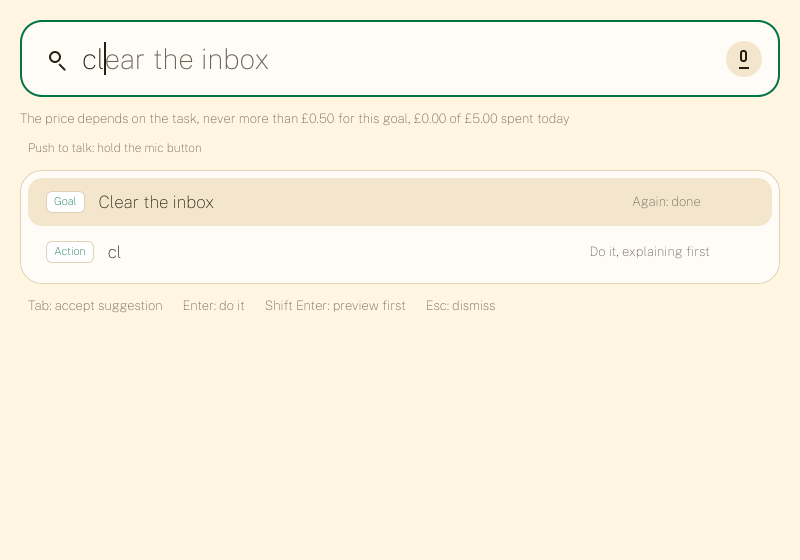
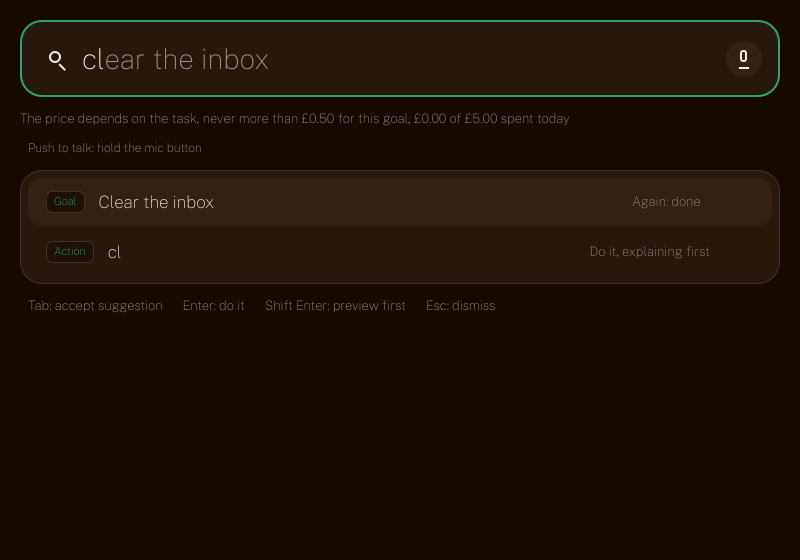
Type it or say it. “Find the invoice from the plumber.” No app first.
02
It gathers what it needs.
BritOS looks across your mail, calendar, messages, files, documents and photos, all on your laptop. If something would help and isn’t connected, it offers to hook it up with one tap.
03
It shows you the plan.
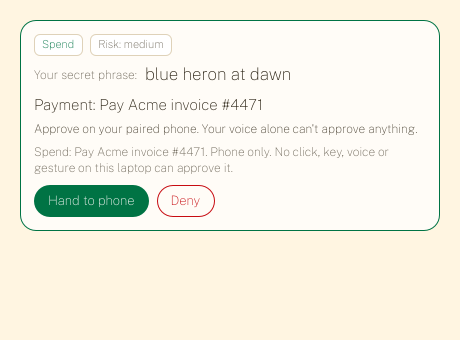
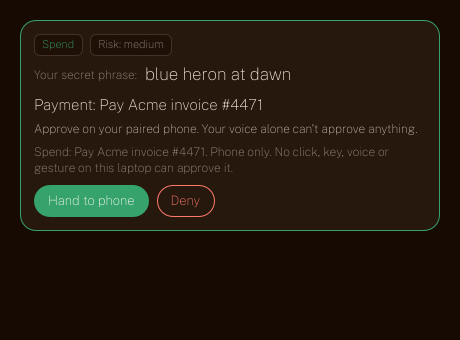
A plain-English plan: what it will do, to what, and what it means if anything leaves your laptop.
04
You approve.
Everyday jobs, you approve on your laptop. Before BritOS touches banking, health, the microphone, the camera or your screen, your phone checks with you first.
05
It does it. Then it checks.
You get a short receipt. BritOS checks the result before telling you it worked, and Undo is one tap away.
Where your data goes
Your data stays home.
On your laptop.
Your mail, files and messages are read here, and what BritOS learns from them stays here. Ask what it read today, and delete any of it.
In the cloud, only when you say so.
If a question needs a bigger AI, you see exactly what would be sent first. Banking and health never leave your laptop.
On your phone.
Your phone has the final say on anything sensitive, so nobody can approve a payment just by typing on your laptop.
Your apps are still here
They just wait until you want them.
BritOS with the Linnet desktop handles your mail, calendar and files for you. Want a window of your own? Your apps and browser open as usual, and Classic, the ordinary desktop, is one click away.
You choose the AI. Bring your own key, or run a model on the laptop.
Your data
Your data is private.
BritOS keeps you in control, with sovereignty over how your data is used, or not used. It lives sealed on your laptop, and only what you send leaves it.